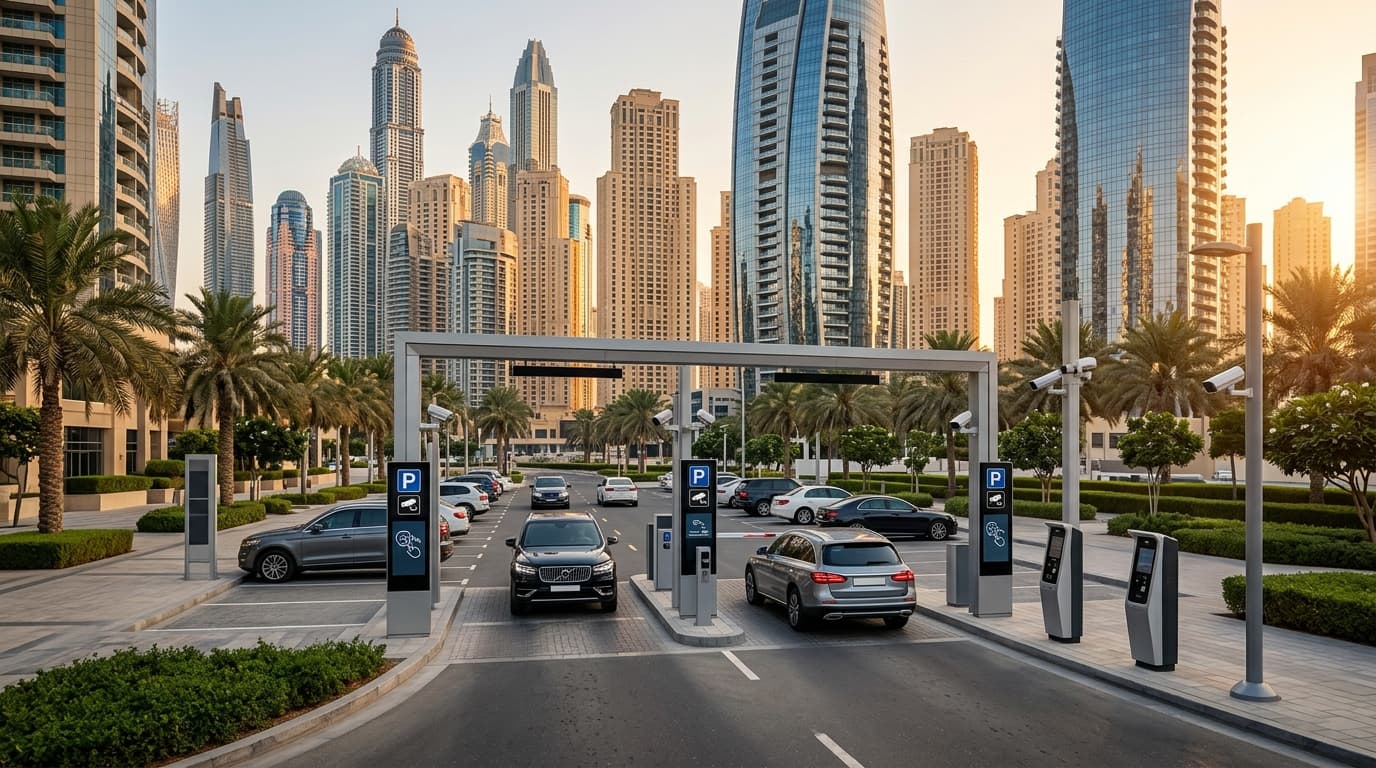
Many Dubai communities have moved to ticketless, camera-driven paid parking to keep bays turning over and manage visitor demand. One of the most common systems you’ll encounter is Parkonic, used by several mixed-use destinations, community centres and residential/retail car parks.
This guide explains how Parkonic works, typical rates and grace periods, how residents and visitors should navigate it, and practical steps to avoid surprise charges—especially if you’re viewing properties, hosting guests, or managing short-stay lets.
What is Parkonic and where you’ll encounter it
Parkonic is a private, ticketless parking management system built around automatic number plate recognition (ANPR). Instead of barriers, paper tickets or windshield tokens, overhead cameras read your plate on entry and exit, then charge for the time between.
You’ll find Parkonic in select private car parks across Dubai—typically mixed-use destinations, retail/community centres, and some residential visitor or podium car parks. Each site sets its own tariff, grace period and validation rules, so always check the on-site signage when you arrive.
- Ticketless, cashless and camera-based
- Charges calculated between entry and exit scans
- Tariffs and grace periods vary by location
- Private car parks: different from RTA street parking
How Parkonic works step by step
- Entry: ANPR cameras capture your plate as you enter. No ticket is issued.
- Session start: If there’s a free grace period, the clock starts but no fee accrues until the grace is exceeded.
- Payment options: Before exiting, pay via on-site machines, a QR/web link, or an app when available. Some sites allow card-at-exit terminals; others complete payment online after you leave.
- Exit: Your plate is scanned again. If paid correctly, your session closes. If not, the system bills the outstanding amount or flags it for follow-up according to that site’s rules.
Important: Parkonic locations can operate slightly differently. Some require pre-adding a payment card or wallet; others accept ad‑hoc one‑time checkout. Read the signs, especially on the first visit.
Typical tariffs, grace periods and caps
Tariffs are set by each car park operator and are subject to change. As a general guide only (indicative, not guaranteed):
- Grace period: commonly 10–30 minutes to allow quick drop-offs or pick-ups
- Hourly rates: often within a modest per-hour range for the first few hours, then increasing thereafter
- Daily or overnight caps: some sites cap charges after a set number of hours; others apply premium rates for overnight stays
- Retail/restaurant validation: spend-based validation may reduce or waive part of your session; terms differ by tenant and weekday/weekend
Always check the board at the entrance or lift lobby for the specific site’s tariff table, validation partners, and any special event pricing.
Payment methods and linking your plate
Most Parkonic sites support multiple payment paths:
- Card at pay-on-foot machines within the car park
- QR code at exits or lobbies directing to a secure web checkout
- A mobile app or web account where you can add a card and auto-settle sessions
- Occasional cash options at manned kiosks (where available)
Best practice: create an online account and link your vehicle plate to a card or wallet. This reduces the risk of missed payments if you forget to pay before exiting or if a terminal queue forms.
- Link your plate for auto-settlement
- Enable receipts by email for expense tracking
- Keep your vehicle details updated after any plate change
Residents, tenants and visitor parking rules
In many freehold buildings and master communities, residents have allocated parking bays included in the service charge, typically accessed by remote or access card. Parkonic usually applies to visitor and retail bays, not your deeded or assigned residential bay—however, the exact setup varies by building.
- Residents: Confirm your allocated bay(s), access device, and whether visitor bays are Parkonic-controlled. If your allocated bay is full or under maintenance, ask building management for a temporary permit rather than using visitor bays indiscriminately.
- Tenants: Ensure your tenancy contract specifies parking entitlements and any fees for additional bays. Obtain and return access cards properly to avoid charges.
- Visitors and contractors: Check if short free windows exist and pre-advise guests on how to pay. Some communities issue temporary digital permits for long service visits.
Short-stay letting hosts should brief guests with entry instructions, payment QR links, and any house rules to avoid penalties that could be charged back to the host or guest.
Parkonic vs. RTA street parking: know the difference
| Feature | Parkonic (Private) | RTA Public Parking |
|---|---|---|
| Where used | Private car parks in communities/malls/residential visitor bays | On-street zones and RTA-managed public lots |
| Identification | ANPR cameras read your plate; no ticket | Pay-by-machine, mParking SMS, Nol card, or RTA app |
| Tariff control | Set by property/operator | Set by RTA zone (A, B, etc.) |
| Validation | Retail/tenant validation may apply | Not typically applicable |
| Enforcement | Private operator processes unpaid sessions/penalties | RTA fines and enforcement under public rules |
Treat them as entirely separate systems: RTA payments do not cover private Parkonic car parks and vice versa.
How to avoid surprise charges
- Read the entrance and lobby boards every visit; terms can change by day or event.
- Set a timer on your phone for the grace window plus a buffer.
- Link your plate to a card or wallet for auto-settlement where available.
- Use retail validation correctly: ask the cashier how it’s applied and keep the receipt.
- If you enter by mistake, exit promptly within the grace period to avoid a session charge.
- Keep your plate details current, especially after a vehicle or plate change.
- For longer stays, check for a daily cap or a season/monthly pass option with building management.
Disputes, refunds and penalties
If you believe you were incorrectly charged—common causes include plate misread, failed validation, or duplicate entry—use the dispute channel shown on the car park signage or in your payment receipt. Provide your vehicle plate, date/time, and any supporting receipts.
Unpaid sessions may accrue additional administrative fees, and repeat non-payment can lead to further enforcement in line with the car park’s posted terms. Some sites will require clearing outstanding balances before allowing subsequent exits. Always resolve disputes promptly; most operators can audit ANPR logs and correction is easiest within a short window after the event.
Practical scenarios for buyers, tenants and landlords
- Property viewings: If you’re touring multiple apartments in one destination, ask your Binayah advisor whether a visitor permit or validation is available to cover the viewing window.
- Moving day: Arrange a temporary loading permit or register the moving truck to prevent premium or overstay charges.
- Short-stay leasing: Build clear parking instructions into your house manual and message templates.
- Landlords and HOAs: Consider resident whitelisting, season passes, and clear bay demarcation to reduce friction while keeping visitor turnover healthy.
Common Mistakes to Avoid
- Assuming all parking is RTA. Private Parkonic car parks have separate tariffs and payment methods.
- Ignoring the grace period. Overrunning by just a few minutes can trigger a full first-hour charge.
- Relying on validation without checking rules. Not all tenants validate, and conditions vary by spend and time.
- Forgetting to update plate numbers. A new plate can break auto-pay and lead to unpaid sessions.
- Skipping receipts. Without proof of purchase or validation, disputes are harder to resolve.
Conclusion
Parkonic’s ticketless, camera-based system is designed to keep bays available and payments seamless—but only if you know the rules of the specific car park you’re using. Read the signage, link your plate for auto-settlement, leverage valid retail or resident permissions, and set simple reminders. Whether you’re a resident, investor, or visitor, a little preparation will keep parking predictable and fee-efficient in Dubai’s busiest communities.